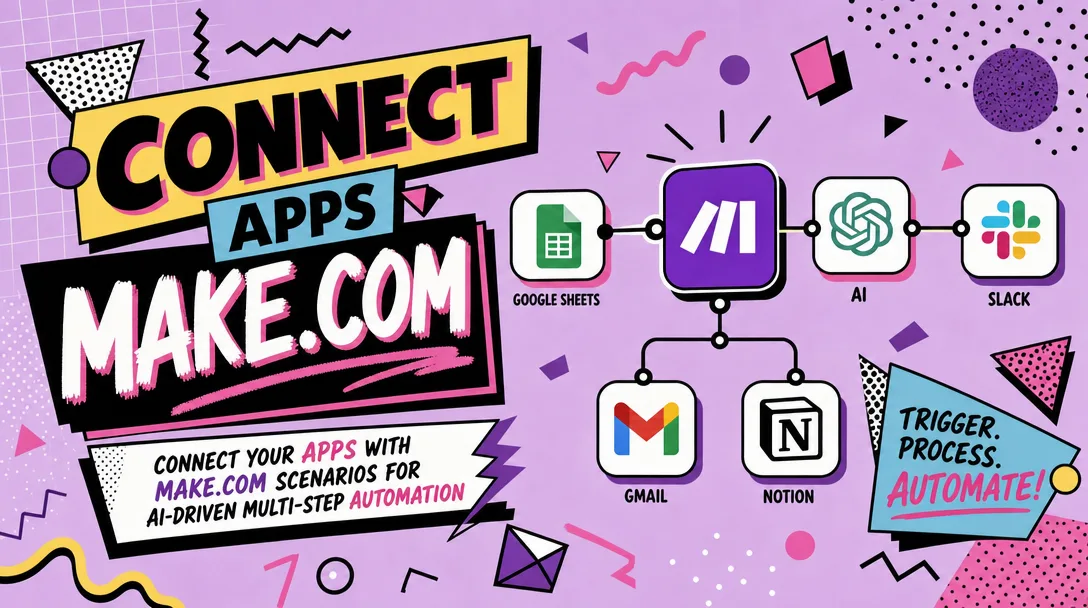
I will connect your apps with Make.com scenarios for AI-driven multi-step automation
About this gig
I connect your apps with Make.com (formerly Integromat) and build AI-driven, multi-step scenarios that move data, trigger actions, and run the busywork you'd rather not touch.
If your team copies data between tools, retypes the same information into three systems, or waits on a human to forward, tag, or summarize something before the next step can happen, that work can usually be automated. I design and build production-ready Make.com scenarios that link the apps you already use, add AI steps where they genuinely help (classification, extraction, drafting, summarizing), and hand you a workflow that runs on its own with clear logging and error handling.
What you get
- A working Make.com scenario (or set of linked scenarios) built in your own Make account, so you fully own it after delivery.
- Real app-to-app connections using native Make modules where they exist, and HTTP/webhook/API modules where they don't — covering tools like Gmail, Outlook, Slack, Notion, Airtable, Google Sheets, HubSpot, Pipedrive, Stripe, Shopify, Calendly, Typeform, WhatsApp, Telegram, and hundreds more.
- AI steps wired in where they add value: routing/triaging incoming messages, extracting fields from emails or PDFs, summarizing long threads, drafting replies, tagging records, or classifying leads. I can use OpenAI, Anthropic (Claude), Google, or the built-in Make AI modules — your choice, your API keys.
- Multi-step logic done properly: routers for branching, filters so steps only fire when conditions are met, iterators and aggregators for handling lists, and data stores or variables for state you need to remember between runs.
- Error handling and retries so a single failed call doesn't silently break the whole flow — including error routes, rollback where it matters, and optional alert notifications when something needs your attention.
- Field mapping and data transformation: dates, currencies, names, phone formats, and JSON reshaping handled so each app receives data in the shape it expects.
- A short walkthrough (written notes and/or a screen-recorded video) explaining how the scenario works, how to turn it on/off, and how to adjust the parts you'll most likely want to change.
- Testing with your real (or realistic sample) data before handover, plus a defined revision window to fine-tune.
Plans
| Feature | Basic | Standard | Premium |
|---|---|---|---|
| Make.com scenario built | 1 single-trigger scenario | 1 multi-step scenario | Multiple linked scenarios |
| Apps connected | Up to 2 | Up to 4 | 5+ as scoped |
| AI step included | Optional add-on | 1 AI step | Multiple AI steps |
| Routers / filters / branching | Basic | Yes | Advanced |
| Error handling & retries | Basic | Standard | Full with alerting |
| Data store / state logic | — | Optional | Yes |
| Testing with sample data | Yes | Yes | Yes |
| Walkthrough | Written notes | Notes + video | Notes + video + handover call |
| Revisions | 1 | 2 | 3 |
Exact scope is confirmed in writing before I start, so you know precisely which apps, triggers, and AI steps are included in your tier. If your needs sit between two plans, message me and I'll recommend the right fit.
How it works
- You message me with what you're trying to automate: the apps involved, what should trigger the flow, and what should happen at the end. Screenshots or a short Loom are welcome but not required.
- I scope it and confirm the trigger, the steps, the AI usage (if any), the data that moves, and which plan covers it. You'll get a clear, written summary of the deliverable before any payment for the work begins.
- You grant access to your Make.com account (invite or a shared workspace) and the connected apps. I'll send a simple checklist of the connections and API keys I need. Your credentials stay in your account — I build in your workspace, not mine.
- I build the scenario, mapping every field, adding routers/filters/iterators as needed, wiring AI steps, and setting up error handling.
- I test with sample or real data, fix edge cases, and confirm the outputs land correctly in each destination app.
- I hand it over with a walkthrough so you understand and control it. We use your revision window to adjust anything, then you switch it live.
Why choose this
I focus on automations that survive contact with real data. That means filters so steps don't misfire, error routes so one bad payload doesn't break everything, and transformations that account for the messy formats real apps send. I build in your account so there's no lock-in and no mystery — you can see, edit, and own every module. I'm clear about scope up front, I test before handover, and I explain what I built in plain language rather than leaving you a black box. If an idea isn't a good fit for Make or would be fragile in practice, I'll tell you honestly and suggest a better approach.
Who it's for / use cases
- Small businesses and solo founders drowning in copy-paste between a CRM, inbox, and spreadsheet.
- Agencies and consultants who want client onboarding, intake forms, or reporting to run automatically.
- Sales and marketing teams needing lead capture, enrichment, routing, and follow-up sequences across tools.
- Operations and support teams that want incoming tickets or emails triaged, summarized, and routed by AI.
- E-commerce stores syncing orders, inventory, and customer messages across platforms.
Common builds: route and summarize inbound email with AI then create tasks; capture form submissions, enrich them, and add to a CRM with a Slack alert; extract line items from PDF invoices into a spreadsheet; auto-draft personalized replies for review; sync new customers from Stripe or Shopify into your CRM and email tool; turn voice notes or transcripts into structured records.
FAQ
Q: Do I need a paid Make.com plan? Some scenarios run fine on Make's free tier, but multi-step and high-volume flows usually need a paid plan for enough operations and scenario slots. I'll tell you what your build requires before we start so there are no surprises.
Q: Whose accounts and API keys are used? Yours. I build inside your Make.com workspace and connect your app accounts and AI API keys. You keep full ownership and can revoke my access after delivery.
Q: Which apps can you connect? Anything with a native Make module (hundreds of apps), and almost anything else through Make's HTTP, webhook, and API modules — if a tool has an API, it can usually be connected.
Q: How much does running the AI steps cost? AI usage (OpenAI, Anthropic, etc.) is billed by those providers directly to your account based on usage. I design steps to be efficient, but I don't control or include third-party API or Make subscription costs.
Q: What do you need from me to start? A clear description of the workflow, access to your Make account and the connected apps, and any API keys required. A few sample records or emails make testing much faster.
Q: Can you fix or improve an existing scenario? Yes. I can debug a broken scenario, optimize one that's hitting operation limits, or extend an existing flow with new steps or AI logic — just share access and describe the goal.
Q: How long does it take? Simple flows are typically quick; multi-step scenarios with AI and several connected apps take longer. I give a realistic timeline once the scope is confirmed.
Q: What if it doesn't work the way I expected? That's what the revision window is for. I test before handover, and we use your included revisions to adjust logic, mapping, or AI behavior until it matches the agreed scope.
Reviews★0(0)
No reviews yet — be the first after your purchase.