I will automate your workflows with n8n — lead routing, AI triage, data sync
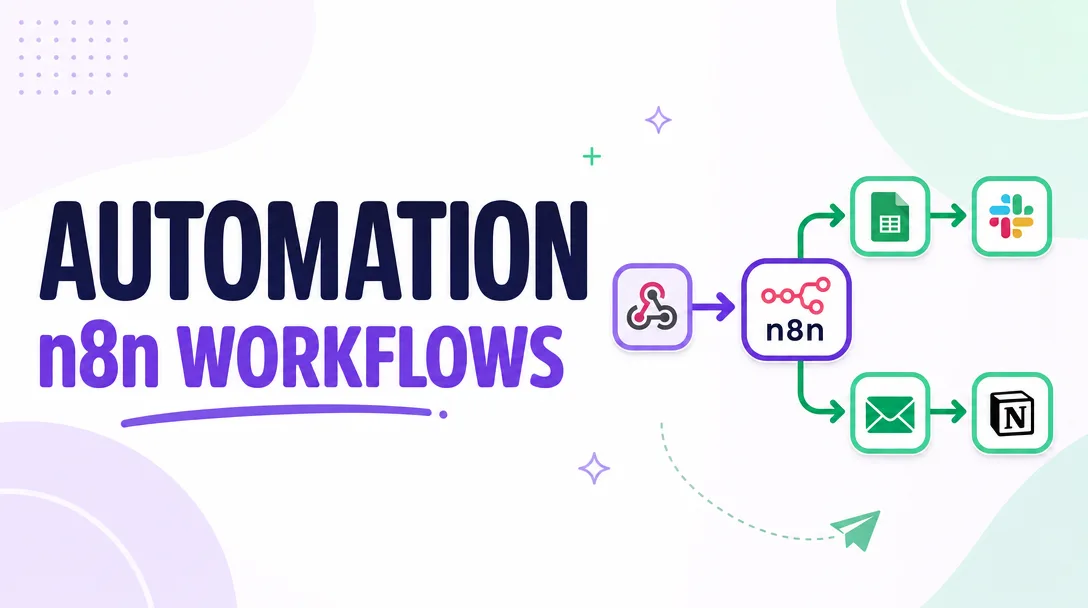
About this gig
I build working n8n and Make automations that route your leads, triage messages with AI, and keep your apps in sync — scoped, tested, and handed over running.
If your team copy-pastes between a CRM, a spreadsheet, a help desk and three other tabs all day, that work can run itself. I design and ship the actual workflow — not a slide deck — and walk you through it live before you pay for the next thing.
What you get
- A scoped, working automation built on n8n (self-hosted or cloud) or Make, matched to the tool you already use.
- Lead routing that takes form/ad/inbox submissions, scores or tags them, and pushes them to the right owner, pipeline stage, or Slack/Teams channel with no manual sorting.
- AI triage that reads incoming emails, tickets, or messages, classifies intent and urgency, drafts a reply or summary, and routes or auto-responds based on your rules. Bring your own OpenAI/Anthropic key or I'll wire one in.
- Two-way data sync between the systems that matter to you — CRM, Google Sheets/Airtable, billing, calendars, databases, e-commerce — with field mapping, de-duplication, and update-vs-create logic so records don't fork.
- Error handling and notifications so a failed run pings you (email/Slack) instead of silently dropping a lead.
- A short Loom walkthrough plus a one-page runbook covering what each node does, where the credentials live, and how to tweak the parts you'll want to tweak.
- Clean, labeled workflows you own outright — exported JSON and credentials in your accounts, not locked inside mine.
- Optional managed hosting + monitoring if you'd rather not run the n8n instance yourself.
Plans
| Basic | Standard | Premium | |
|---|---|---|---|
| Scope | One automation, one trigger, up to ~5 steps (e.g. form → CRM → Slack alert) | A multi-branch workflow with conditional routing and one AI step (triage, classification, or drafting) | A connected set of workflows — lead routing plus AI triage plus a sync job, sharing logic and data |
| Apps connected | Up to 2 | Up to 4 | As needed for the scoped build |
| AI triage | — | 1 AI classification/drafting step | Multi-step AI with custom prompts and fallback rules |
| Error handling | Basic failure alert | Retry + alert + logging | Full error workflow, dead-letter capture, run history |
| Testing | Test run with your sample data | Edge-case testing across branches | Staged test + live monitored cutover |
| Handover | Loom + runbook | Loom + runbook + 1 revision | Loom + runbook + 2 revisions + 30-day support window |
| Hosting | Your instance | Your instance or managed (optional) | Managed hosting + monitoring available |
Revisions cover adjustments to the agreed scope. New automations or new connected apps are quoted as their own build.
How it works
- You send a brief. Tell me the trigger ("when a lead fills the form…"), the outcome ("…it lands in HubSpot, tagged by source, and pings sales"), and the tools involved. A screen recording of how you do it manually today is gold.
- I scope and confirm. I reply with the exact workflow plan, the apps/credentials I'll need, the tier it fits, and any assumptions — so there are no surprises mid-build.
- You grant access. You add me to (or create) the n8n/Make instance and connect the app credentials. Nothing is hard-coded; keys stay in your accounts.
- I build. I assemble the workflow node by node, with field mapping, routing logic, AI prompts, and error handling.
- We test together using your real sample data, including the messy edge cases that break naive automations.
- I hand it over with a Loom walkthrough and a one-page runbook, then stay available through the revision/support window for your tier.
Why choose this
- You get a running system, not a consultation. The deliverable is the working automation in your environment.
- You own everything. Workflows live in your instance; credentials in your accounts. No lock-in, no "pay me to keep the lights on" trap — managed hosting is opt-in, not a hostage situation.
- Honest scoping up front. I tell you the tier and the assumptions before building, so the price you agree to is the price for what you actually receive.
- Built to survive reality. Real inboxes have weird formats and APIs time out. Error handling and alerts are part of every build, not an upsell afterthought.
- Tool-pragmatic. n8n when you want self-hosting and full control; Make when you want a lighter managed footprint. I recommend based on your situation, not my preference.
Who it's for / use cases
- Agencies and B2B sales teams drowning in inbound leads that need instant routing, scoring, and assignment before they go cold.
- Support and ops teams who want AI to triage tickets and emails — sort by urgency, summarize, draft replies — so humans only touch what matters.
- E-commerce and SaaS operators keeping orders, customers, and subscriptions in sync across Shopify/Stripe, a CRM, and a warehouse or spreadsheet.
- Founders and solo operators who've outgrown manual copy-paste but aren't ready to hire an ops person.
- Teams already on Zapier hitting task-count walls who want the cheaper, more flexible n8n/Make equivalent rebuilt properly.
FAQ
Q: Do I need my own n8n or Make account? For self-hosted n8n or your own Make workspace, yes — and I'll guide you through setup if you don't have one. Or pick managed hosting (Standard/Premium) and I'll run the instance for you.
Q: Can the AI triage use my own OpenAI or Anthropic key? Yes. Bring your own API key and you pay the model provider directly, or I'll help you set one up. The automation calls the model; the usage bill is yours and stays predictable.
Q: Will this work with my specific CRM or app? If it has an API or a native n8n/Make connector — and most do, including HubSpot, Salesforce, Pipedrive, Airtable, Google Workspace, Slack, Stripe, and Shopify — yes. Send your stack in the brief and I'll confirm before you order.
Q: What if the automation breaks later? Every build includes error alerts so you know immediately. Within your support window I'll fix anything in scope; afterward, because you own and understand the workflow, small tweaks are easy — or I'm a message away.
Q: How long does delivery take? A Basic workflow is typically a couple of days after access is granted; Standard and Premium scale with scope. I'll give you a firm timeline when I confirm the brief.
Q: Do you offer ongoing management? Yes, optionally. Managed hosting plus monitoring is available so you don't run the instance yourself. It's never required — the build is yours to self-host.
Q: Can you migrate my existing Zapier or Make scenarios? Yes. Rebuilding Zaps in n8n to escape task limits is one of the most common requests. Share what you have and I'll scope the rebuild.
Q: What do you need from me to start? A clear trigger, the desired outcome, the apps involved, and access to connect them. A quick screen recording of the manual process you want replaced makes the build faster and more accurate.
Reviews★0(0)
No reviews yet — be the first after your purchase.