I will optimize your website page speed and Core Web Vitals
About this gig
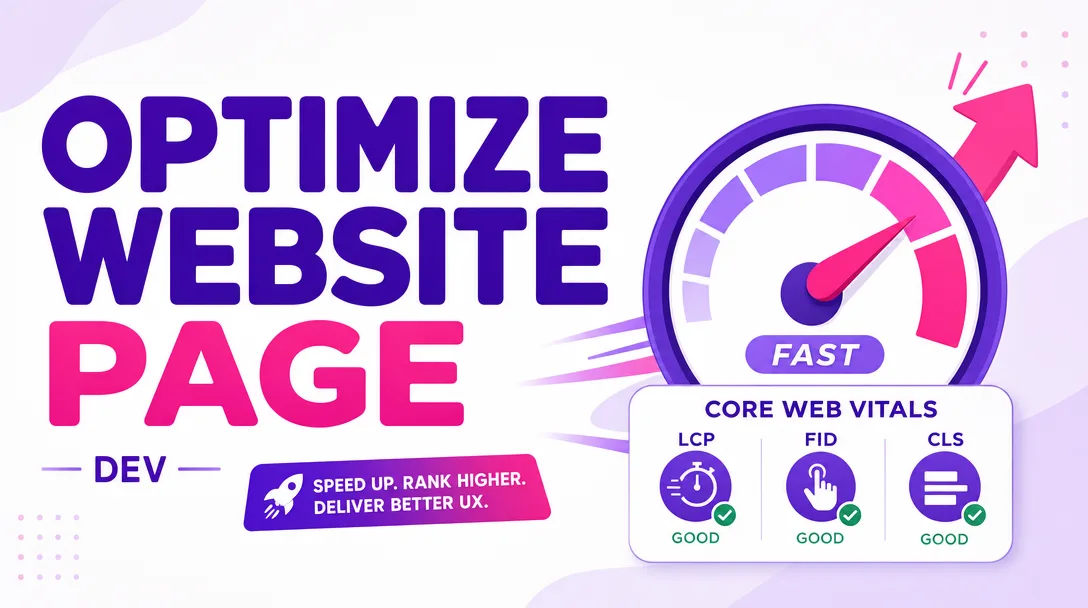
I will optimize your website page speed and Core Web Vitals so your pages load faster, score green in Lighthouse, and pass Google's field-data thresholds for LCP, INP, and CLS.
What you get
- A measured before/after audit with real numbers, not vague promises: Lighthouse performance scores, lab metrics (FCP, LCP, TBT, CLS, Speed Index), and PageSpeed Insights field data where your traffic provides it.
- Hands-on optimization work applied directly to your live site or a staging copy you provide — I do the implementation, not just hand you a checklist.
- Largest Contentful Paint (LCP) improvements: identifying and prioritizing the LCP element, preloading the hero image or critical font, fixing slow server response (TTFB), and removing render-blocking resources ahead of it.
- Interaction to Next Paint (INP) improvements: trimming and deferring heavy JavaScript, breaking up long tasks, removing unused third-party scripts, and reducing main-thread blocking so taps and clicks respond quickly.
- Cumulative Layout Shift (CLS) fixes: setting explicit width/height or aspect-ratio on images and embeds, reserving space for ads and dynamic content, and stabilizing web-font loading to stop text from jumping.
- Image optimization: compression, correct sizing, modern formats (WebP/AVIF) where supported, responsive
srcset, and proper lazy-loading for below-the-fold images. - Asset delivery improvements: minification of CSS/JS, deferring and async-loading non-critical scripts, critical-CSS handling, font-display tuning, and browser-caching / compression (Gzip/Brotli) recommendations or setup where I have access.
- Render-blocking resource cleanup and a leaner critical rendering path.
- A short, plain-English summary report of exactly what was changed, why, and what (if anything) is left for you or your host/CDN to action.
Plans
| Basic | Standard | Premium | |
|---|---|---|---|
| Scope | 1 page / URL | Up to 3 key pages (e.g. home, product, blog) | Whole-site / template-level optimization |
| Audit & before/after report | Yes | Yes | Yes |
| LCP / image / render-blocking fixes | Yes | Yes | Yes |
| CLS layout-shift fixes | Basic | Yes | Yes |
| JavaScript / INP optimization | — | Yes | Yes |
| Caching, compression & font tuning | — | Yes | Yes |
| Third-party script audit | — | Limited | Full |
| Revisions | 1 | 2 | 3 |
| Post-delivery support window | Short | Medium | Extended |
How it works
- You share access and goals. Send me your URL(s) and tell me which pages matter most and what platform you're on (WordPress, Shopify, Webflow, custom, etc.). For hands-on changes I'll need appropriate access (admin/staging/FTP/Git) or I can work on a staging copy.
- Baseline audit. I run Lighthouse and PageSpeed Insights, capture lab and (where available) field metrics, and trace what's actually slowing the page down — large images, blocking scripts, slow TTFB, layout shifts, bloated third-party tags.
- Prioritized plan. I map the highest-impact, lowest-risk fixes first so you get the biggest gains for your tier, and flag anything outside my control (hosting, theme limits, third-party tools).
- Implementation. I apply the optimizations to your site or staging environment, testing as I go so nothing visually breaks.
- Re-measure and report. I re-run the audits, document the before/after numbers, and deliver a clear summary of every change.
- Revisions and handoff. Within your tier's revision count we refine anything that needs it, and I leave you with guidance to keep your scores healthy.
Why choose this
I optimize for the metrics Google actually ranks on — Core Web Vitals — not just a vanity Lighthouse number. A high lab score is nice, but real users on real devices are what move your rankings and conversions, so I focus on LCP, INP, and CLS together with sensible, durable fixes rather than fragile hacks. I'm honest about scope: if your bottleneck is cheap shared hosting or a heavy page builder, I'll tell you plainly and show you what's achievable within those constraints instead of overpromising. Every change is documented so you (or your developer) understand what happened and why, and I test as I work so speed gains never come at the cost of a broken layout or feature.
Who it's for / use cases
- Site owners who failed the "Core Web Vitals" assessment in Google Search Console and want to pass it.
- E-commerce stores losing conversions and bounce-resistant mobile visitors to slow product and checkout pages.
- Bloggers and content sites whose ad scripts and heavy themes are tanking their scores.
- Agencies and developers who need an extra pair of hands for a client's performance pass.
- Anyone with a red or orange PageSpeed Insights result who wants concrete, measured improvement.
- WordPress, Shopify, Webflow, Wix, Squarespace, and custom-built sites alike — though achievable gains vary by platform.
FAQ
Q: Can you guarantee a 100/100 Lighthouse score or that I'll pass Core Web Vitals? No honest provider can guarantee a perfect score, because some factors (your hosting speed, third-party scripts, platform limitations) are outside my control. What I commit to is meaningful, measured improvement on the metrics that matter, and a clear explanation of any ceiling your setup imposes.
Q: What's the difference between lab data and field data? Lab data (Lighthouse) is a single controlled test, useful for diagnosing issues. Field data (Core Web Vitals in Search Console / PageSpeed Insights) reflects real visitors over 28 days. I improve the lab metrics directly; field data then follows over the following weeks as Google collects fresh real-user measurements.
Q: How long until my Core Web Vitals turn green in Search Console? The on-page fixes are immediate, but the field-data report is a rolling 28-day average, so the "pass" status typically updates over several weeks after the changes go live and gather enough real traffic.
Q: Do you need access to my site? For hands-on implementation, yes — admin login, staging access, FTP, or a Git repo, depending on your platform. If you'd rather not share access, I can work on a staging copy or deliver a detailed fix-list, but the direct-implementation tiers assume I can make the changes myself.
Q: Will optimizing break my design or functionality? That's exactly why I test as I work and, where possible, apply changes on staging first. The goal is faster pages that look and behave identically. Anything with a small risk (like aggressive script deferral) I'll flag and verify with you.
Q: Which platforms do you work with? WordPress, Shopify, Webflow, Wix, Squarespace, and custom/coded sites. Realistic gains depend on the platform — a custom site offers the most control, while hosted builders limit some optimizations, and I'll tell you upfront what's possible.
Q: Can you handle third-party scripts like ads, chat widgets, and analytics? Yes. These are often the biggest INP and load-time culprits. I audit them, defer or async-load where safe, and recommend removing or replacing the worst offenders — though scripts your business depends on stay, optimized as far as they allow.
Q: What do I need to send you to get started? Your URL(s), which pages matter most, your platform, the access method we'll use, and any specific concern (slow mobile, failed CWV, high bounce). With that I can run the baseline audit and get to work.
Reviews★0(0)
No reviews yet — be the first after your purchase.