I will do clipping path and deep etch masking for bulk catalogs
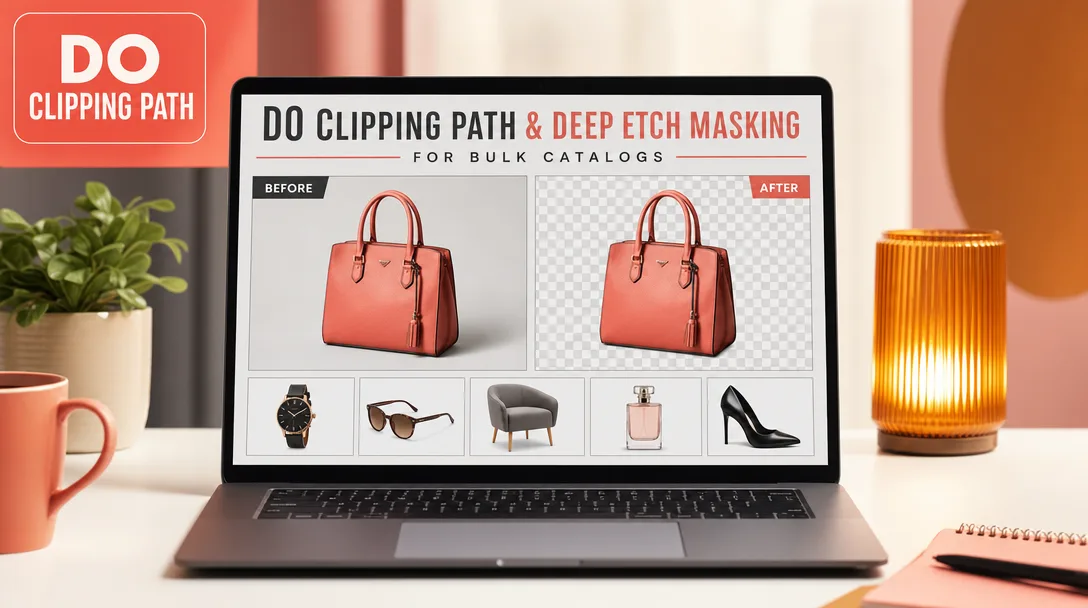
About this gig
I will hand-trace clipping paths and deep etch masks for your bulk product catalogs, delivering crisp, print-ready cutouts on tight deadlines. Every image is cut by hand with the Pen tool for clean, predictable edges.
What you get
- A hand-drawn vector clipping path saved inside each file (not an auto-select or magic-wand guess), so the cutout stays clean at any scale and re-edits later if you need them.
- Smooth, true-to-product edges traced with the Pen tool, anchor points placed deliberately so straight runs stay straight and curves stay curves — no jagged or "shrink-wrapped" outlines.
- A transparent-background PNG plus your layered, path-saved source file, so you can drop products onto white, color, or lifestyle backgrounds without re-cutting.
- Consistent treatment across the whole batch: the same edge tightness, the same handling of shadows and reflections, the same naming convention on every single SKU.
- Multi-clipping (separate paths per part) on request, so you can recolor a strap, a sole, or a label independently later.
- Deep etch / alpha masking for the hard stuff — hair, fur, fuzzy fabric, feathers, net, smoke, glassware, and motion blur — where a hard path alone would look cut-out and fake.
- Optional knockout (pure white #ffffff) backgrounds formatted to common marketplace and catalog specs, plus optional natural or reflection shadow if you want the product to sit rather than float.
- Files named to match your SKU or filename scheme, returned in a tidy folder structure so your team can ingest the batch without renaming anything.
Plans
| Feature | Basic | Standard | Premium |
|---|---|---|---|
| Complexity | Simple shapes (one closed path) | Medium (curves, a few holes, multi-part) | Complex / very intricate or hair & fur |
| Clipping path | Single path | Multi-path where needed | Full multi-path + deep etch masking |
| Transparent PNG | Included | Included | Included |
| Path-saved source file | Included | Included | Included |
| Background options | Transparent | Transparent or white knockout | Transparent, white, or custom color |
| Shadow (natural / reflection) | — | Optional add-on | Included |
| Hair & fur masking | — | — | Included |
| Bulk-friendly naming & folders | Included | Included | Included |
| Revisions | Edge-fix revisions | Edge-fix revisions | Priority revisions |
How it works
- Send a sample. Share 2–3 representative images (or one of each product type) at full resolution, plus your batch size, deadline, and the output you need: transparent, white knockout, color fill, or shadow.
- I confirm scope. I'll tell you the right complexity tier per image type, flag anything that genuinely needs deep etch masking rather than a hard path, and confirm naming, format, and delivery folder structure before any volume work starts.
- Sample approval. For larger catalogs I cut a few images first so you can approve the edge style, tightness, and background treatment. Locking this early keeps the whole batch consistent.
- Batch production. I cut the full set by hand to the approved standard, keeping the path saved in every file and matching your naming scheme exactly.
- Quality pass. Every image is zoomed-in and checked for stray anchor points, edge halos, missed holes, and background remnants before anything is delivered.
- Delivery and revisions. You receive the organized folder; you review; I fix any edge issues fast. Revisions cover the cutout work itself.
Why choose this
The difference between a usable catalog and a cheap-looking one is almost always the edge. Automated background removers and one-click tools leave fringe halos, eat into thin product details, and fall apart on anything reflective or fuzzy. I trace by hand with the Pen tool so the outline follows the real product, not an algorithm's best guess, and I save the path inside the file so you keep a reusable, editable mask instead of a flattened cutout.
Bulk work also lives or dies on consistency. When hundreds of SKUs go through the same pipeline, mismatched edge tightness, random shadow choices, and inconsistent file names create hours of cleanup downstream. I lock the standard on a sample, apply it identically across the batch, and hand back files named to your scheme so your catalog ingest is plug-and-play. And for the genuinely difficult images — hair, fur, glass, lace — I switch to deep etch alpha masking instead of forcing a hard path, so those products look natural rather than scissor-cut.
Who it's for / use cases
- E-commerce and marketplace sellers who need clean white-background product shots across a large SKU range.
- Apparel, footwear, jewelry, and accessory brands needing tight cutouts plus multi-path control for recoloring.
- Print and digital catalog producers preparing hundreds of images to a single consistent standard.
- Photographers and studios offloading the repetitive cutout stage so they can stay on the camera.
- Agencies and retouchers needing reliable overflow capacity on path and masking work during busy seasons.
- Anyone with reflective, transparent, or fuzzy products (glassware, fur, mesh) that one-click tools ruin.
FAQ
Q: What file formats do you accept and deliver? Send JPG, PNG, TIFF, or PSD. I deliver transparent PNG plus a layered, path-saved source file by default, and can also provide TIFF, JPG on white, or other formats your catalog system requires — just tell me the spec.
Q: Is the clipping path actually saved in the file? Yes. I save the vector path inside the file (and keep layers where relevant), so you get a reusable, re-editable mask rather than only a flattened cutout. That makes future background swaps and recolors much faster.
Q: How do you handle hair, fur, and transparent items? Those get deep etch / alpha masking rather than a hard path. A pure Pen-tool path on fuzzy or see-through edges looks fake, so I mask those regions to keep the natural detail. This work falls under the Premium tier.
Q: Can you add a white background or a shadow? Yes. I can deliver on a pure white (#ffffff) knockout, a custom color, or keep it transparent. Natural and reflection shadows are available so products sit on the surface instead of floating — shadow is included on Premium and an add-on on Standard.
Q: How do you keep a large batch consistent? I lock the edge style, background, and naming on an approved sample first, then apply that exact standard to every image. Same edge tightness, same shadow logic, same file-naming scheme across the whole set.
Q: What about multi-clipping for recoloring later? I can place separate paths around individual parts — a strap, a sole, a label — so your team can select and recolor each region independently without re-cutting the product.
Q: How should I name and send the files? A shared download link or cloud folder works best for bulk. Tell me your SKU or filename convention up front and I'll return everything named to match, organized in folders so nothing needs renaming on your end.
Q: What if an edge isn't right? Tell me which image and where, and I'll fix it. Revisions cover the cutout, path, and masking work, and I keep the saved paths so corrections are quick rather than a full re-trace.
Reviews★0(0)
No reviews yet — be the first after your purchase.