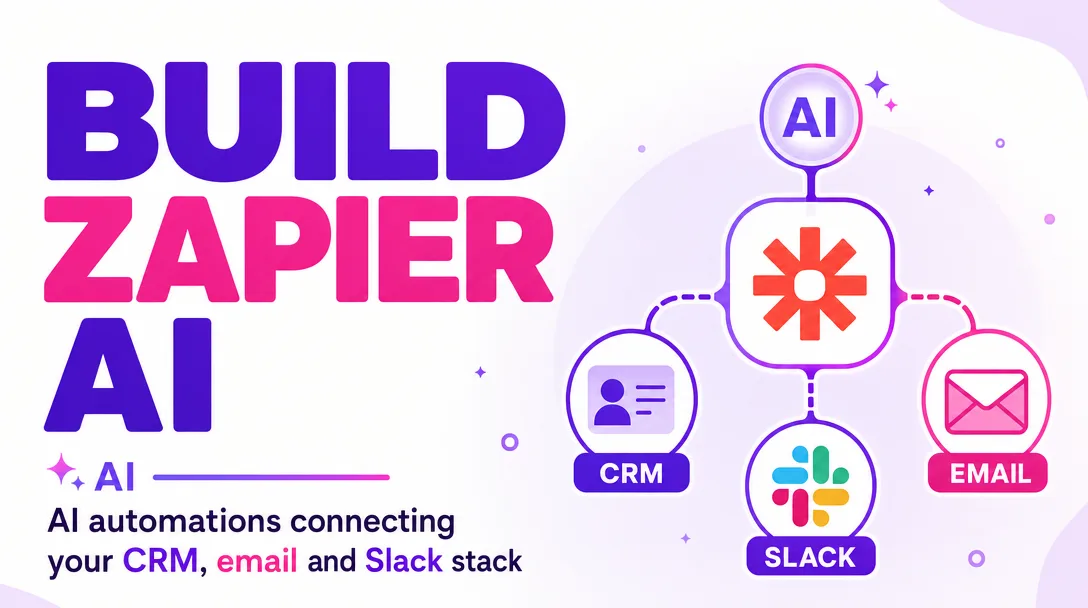
I will build Zapier AI automations connecting your CRM, email and Slack stack
About this gig
I build Zapier AI automations that wire your CRM, email, and Slack into one stack so leads, follow-ups, and team alerts run hands-free without you touching another tab.
If your team copies data between HubSpot, Gmail, and Slack by hand, you are paying people to be the glue. I replace that glue with reliable, AI-assisted Zapier workflows that route, summarize, and notify on their own.
What you get
- Working, end-to-end Zaps built in your own Zapier account, triggered by real events in your CRM, inbox, or Slack channels (not demo screenshots you have to rebuild yourself).
- AI steps inside the workflow using Zapier's built-in AI actions or an OpenAI/Claude connection: lead scoring, email draft generation, message summarization, sentiment tagging, intent classification, and field extraction from unstructured text.
- CRM ↔ email ↔ Slack sync so a new deal, form fill, or inbound email creates or updates the right CRM record, drafts or sends the right email, and posts a clean, formatted alert to the right Slack channel or person.
- Smart routing and filters so noise stays out: paths, filters, and conditional logic that only fire when the data actually warrants action.
- Deduplication and data hygiene with lookup/find steps and formatter logic to prevent duplicate contacts, malformed fields, and broken syncs.
- Error handling with fallback paths, Zapier's autoreplay where it helps, and a failure-notification Zap that pings you in Slack when something breaks instead of failing silently.
- A short Loom walkthrough plus a written one-pager: what each Zap does, its trigger, its steps, and how to pause or tweak it yourself.
- Naming, folders, and documentation inside Zapier so future-you (or a teammate) can actually find and understand every automation.
Plans
| Basic | Standard | Premium | |
|---|---|---|---|
| Zaps built | 1 single-direction Zap | Up to 3 connected Zaps | Up to 6 Zaps, multi-step |
| Apps connected | 2 (e.g. CRM + Slack) | 3 (CRM + email + Slack) | 3+ including extra tools |
| AI steps | Basic AI action | AI summarize / draft / classify | Advanced multi-prompt AI logic |
| Routing & filters | Simple filter | Paths + conditional logic | Full branching + dedup logic |
| Error notifications | — | Slack failure alert | Failure alerts + fallback paths |
| Testing | Live test | Live test + sample data | Full test matrix + edge cases |
| Walkthrough | Written notes | Loom + one-pager | Loom + full documentation |
| Revisions | 1 | 2 | 3 |
Every plan is built in your account, runs on your existing app subscriptions, and is yours to keep.
How it works
- Discovery. You tell me your stack (which CRM, which email tool, which Slack workspace) and the exact manual process you want gone. I ask follow-up questions until the trigger, the logic, and the desired outcome are unambiguous.
- Map the workflow. I send you a plain-language map of each Zap: what fires it, what happens at each step, where the AI makes a decision, and where data lands. You approve before I build.
- Connect and build. You grant access to your Zapier account (or I guide you to invite me). I connect the apps, build each step, configure the AI prompts, and wire the routing.
- Test with real data. I run the Zaps against sample and live records, confirm fields map correctly, AI outputs are sane, and Slack messages and CRM updates land exactly where they should.
- Handoff. I record the walkthrough, document each Zap, and turn everything on. You get a clear picture of what is running and how to adjust it.
- Revisions. Within your plan's revision count, I tune prompts, fix edge cases, and adjust logic based on what you see in production.
Why choose this
I build for reliability, not just for a demo that works once. That means filters that prevent runaway loops, lookups that stop duplicate records, error alerts so failures surface immediately, and AI prompts tuned to your tone and data rather than generic templates. I keep the AI steps honest about scope: AI is great at summarizing threads, drafting replies, classifying intent, and extracting fields, and I use it exactly there, not as a magic box bolted onto everything. You end up with automations a non-technical teammate can read, pause, and trust.
Who it's for / use cases
- Sales teams that want every inbound lead scored, logged in the CRM, and announced in Slack within seconds.
- Founders and small teams drowning in manual copy-paste between Gmail, their CRM, and team chat.
- Customer success and support that need inbound emails summarized, classified, and routed to the right Slack channel.
- Agencies and consultants standardizing client onboarding: form fill creates a CRM contact, triggers a welcome email draft, and notifies the account owner.
- Ops leads who want a failure-aware automation layer instead of brittle, undocumented Zaps nobody understands.
Typical builds: new CRM deal posts a formatted Slack card; inbound email gets AI-summarized and logged to the contact; Slack message in a channel creates a CRM task; AI drafts a reply for human approval before sending.
FAQ
Q: Do I need a paid Zapier plan? Multi-step Zaps, paths, and most AI actions require a paid Zapier tier. I will tell you the minimum plan your workflows need before we start so there are no surprises.
Q: Which CRMs do you support? Anything with a solid Zapier integration: HubSpot, Pipedrive, Salesforce, Zoho, Airtable-as-CRM, and more. If your CRM has Zapier triggers and actions, I can build for it. Tell me yours and I will confirm feasibility up front.
Q: Whose AI account powers the AI steps? Either Zapier's built-in AI actions or your own OpenAI/Claude key connected to Zapier. If you use your own key, the usage costs are billed by that provider to you; I configure and optimize the prompts.
Q: Will this access or store my private data? Data flows through your Zapier account and the apps you already use. I work inside your account with the access you grant and never export your data elsewhere. You can revoke my access the moment we finish.
Q: What if a Zap breaks later? I build error notifications so you know immediately, and I document every Zap so fixes are straightforward. Within your revision window I will correct any build issue. For ongoing changes after that, message me and we can arrange further work.
Q: How long does it take? A single Basic Zap is typically ready in a couple of days. Standard builds usually take several days, and Premium multi-Zap stacks a bit longer depending on how fast access and approvals come through.
Q: Can you automate something not listed here? Likely yes, as long as the apps involved connect to Zapier. Describe the manual process you want eliminated and I will tell you honestly whether Zapier (with or without AI) is the right tool.
Q: Do you guarantee the AI output is always correct? No honest builder can. AI steps are excellent at drafting, summarizing, and classifying, and I tune them carefully, but for high-stakes actions I build a human-approval step so you stay in control.
Reviews★0(0)
No reviews yet — be the first after your purchase.