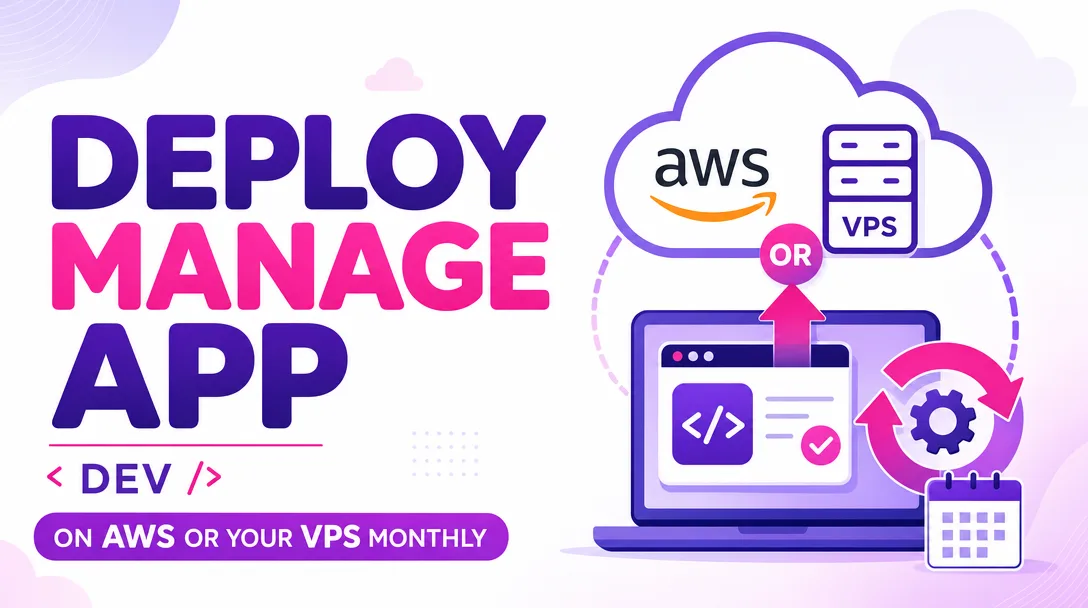
I will deploy and manage your app on AWS or your VPS monthly
About this gig
I will deploy and manage your app on AWS or your VPS every month, so releases ship cleanly, uptime stays high, and you never touch a server console again.
What you get
- A reproducible deployment of your application onto AWS (EC2, Lightsail, ECS, or Elastic Beanstalk) or any Linux VPS you already own (DigitalOcean, Hetzner, Linode, Vultr, Contabo, or bare metal).
- Hardened server setup: non-root deploy user, SSH key-only login, UFW or security-group firewall rules, automatic OS security updates, and fail2ban against brute-force attempts.
- A real web stack wired end to end: Nginx (or Caddy) reverse proxy, free auto-renewing HTTPS via Let's Encrypt, gzip/Brotli compression, and HTTP/2.
- Your runtime configured as a managed service that restarts on crash and on reboot — systemd, PM2, Docker, or Docker Compose depending on your app (Node.js, Python/Django/FastAPI, PHP/Laravel, Ruby on Rails, Go, or a static SPA).
- A documented deploy pipeline: a single command or Git-push hook that pulls, builds, runs migrations, and reloads with zero or near-zero downtime.
- Environment and secrets handling that keeps credentials out of your repo (
.envfiles with correct permissions, or AWS SSM Parameter Store / Secrets Manager when on AWS). - Database setup or connection: PostgreSQL, MySQL/MariaDB, MongoDB, or managed RDS, plus automated nightly backups with a tested restore.
- Monitoring and alerts so you hear about problems before your users do: uptime checks, disk/CPU/memory thresholds, and email or Slack/Telegram notifications.
- Log aggregation and rotation so disks don't fill and you can actually read what happened during an incident.
- A short handover document written for a human: how the server is laid out, how to deploy, where the logs live, and what to do if something breaks.
- Monthly management for the duration of your plan: deploys on your schedule, dependency and OS patching, backup verification, and incident response.
Plans
| Feature | Basic | Standard | Premium |
|---|---|---|---|
| Single app deployed (AWS or VPS) | Yes | Yes | Yes |
| HTTPS, reverse proxy, firewall hardening | Yes | Yes | Yes |
| Process manager / service auto-restart | Yes | Yes | Yes |
| Deploys included per month | 2 | 6 | Unlimited |
| Database setup + automated backups | — | Yes | Yes |
| Uptime + resource monitoring & alerts | Basic | Yes | Yes + on-call |
| Zero-downtime / blue-green deploy | — | Optional | Yes |
| CI/CD pipeline (GitHub Actions / GitLab CI) | — | Optional | Yes |
| Staging environment | — | — | Yes |
| Log aggregation & dashboards | — | Basic | Yes |
| Monthly health report | — | Yes | Yes |
| Response time for incidents | Best effort | 24h | Priority same-day |
How it works
- Kickoff. You share your repository, the stack it runs on, and your target — an existing AWS account, a VPS you've already rented, or a request for me to recommend one. I confirm scope and the plan that fits.
- Access. You add me as an IAM user (least privilege) on AWS, or provide SSH access to your VPS. I never ask for root passwords over chat, and I rotate or revoke any temporary credentials at the end.
- Provision and harden. I set up the server or AWS resources, lock down SSH and firewall, install the runtime, and configure the reverse proxy with HTTPS.
- Deploy. I build and launch your app behind the proxy, run database migrations, wire up the process manager, and verify every route and health check responds correctly.
- Automate. I add the repeatable deploy command or pipeline, backups, monitoring, and alerting so future releases and recovery are one step.
- Handover. I walk you through the setup, hand you the documentation, and confirm you can deploy and read logs yourself if you want to.
- Ongoing. For the rest of your plan period I run your deploys, patch the system, check that backups actually restore, and respond when alerts fire.
Why choose this
I treat your infrastructure like production from day one: real backups that I test by restoring, secrets that never land in Git, and a deploy process you can read instead of a pile of undocumented manual steps. I work directly with you — no ticket queue, no handing your server to someone you've never spoken to. If something breaks at 2 a.m., the system I set up is built to recover on its own, and what it can't recover, I document so the fix is fast. You get the convenience of managed hosting without being locked into a platform: everything lives on infrastructure you own and can take with you.
Who it's for / use cases
- Founders and indie makers who built the product but don't want to babysit a Linux box.
- Small SaaS teams that need a reliable deploy pipeline and monitoring without hiring a full-time DevOps engineer.
- Agencies handing off client apps that need someone to keep the lights on each month.
- Developers migrating off Heroku, Render, or Vercel to cut hosting cost on a self-managed VPS or AWS.
- Anyone with a working app on localhost that needs to go live properly, with HTTPS, backups, and uptime — not a fragile one-off setup.
FAQ
Q: Do I need to already have an AWS account or a VPS? Not necessarily. If you have one, I'll deploy there. If you don't, tell me your budget and traffic expectations and I'll recommend a provider and size, then set it up once you've created the account in your own name.
Q: Who owns the server and the accounts? You do, always. Everything runs under your AWS account or your VPS, billed to you. I work with access you grant and can revoke at any time, so you're never locked in.
Q: What stacks do you support? Node.js, Python (Django, FastAPI, Flask), PHP (Laravel, WordPress), Ruby on Rails, Go, and static/SPA front ends. Containerized apps via Docker or Docker Compose are welcome. If you're unsure whether yours fits, message me before ordering.
Q: Can you set up a CI/CD pipeline so deploys happen automatically on push? Yes. GitHub Actions or GitLab CI is included on Premium and available as an add-on on Standard. I'll wire build, test, and deploy so merging to your main branch ships safely.
Q: How do you handle backups and what if the server dies? I configure automated database and config backups and verify them by performing a test restore. On Standard and Premium I document a recovery runbook so the app can be rebuilt on fresh infrastructure quickly.
Q: Will there be downtime during deploys? Basic deploys involve a brief reload measured in seconds. Standard and Premium can use zero-downtime or blue-green strategies so users see no interruption during releases.
Q: What does "monthly management" actually include? Your included deploys, OS and dependency security patching, backup verification, monitoring upkeep, and incident response per your plan's response time. It's ongoing care, not a one-time setup.
Q: What do you need from me to start? Your repository access, a description of the stack and any environment variables or services it depends on, and either AWS IAM or SSH access to your target server. With that I can confirm scope and begin.
Reviews★0(0)
No reviews yet — be the first after your purchase.